TypeThenTalk
V 20251005
TypeThenTalk.com is a panel that lets you type then hear it spoken back using a voice synthesizer making it a great tool for kids learning to read. The words are highlighted and the mouth on our little robot head moves as the words are spoken. The color, font and size of the text and the background color can be adjusted as well as the speed, pitch and “voice” of the speech synthesizer.
This is a Stec Records StecTools app.
*Note that the words are highlighted as they are spoken.
Click the “Clear” button to remove all text.
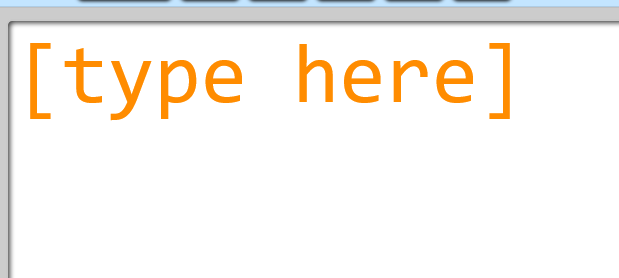
Once you click in the main typing area, anything you type will appear in the
Causes the text to be spoken by the browser’s built-in voice synthesizer. Each word is highlighted as it is being spoken.
Clears the contents of the typing area.
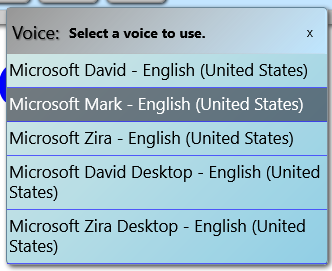
The Voice button opens a small panel that lets you pick a "speaker" for the voice synthesis; most browsers provide several to choose from.
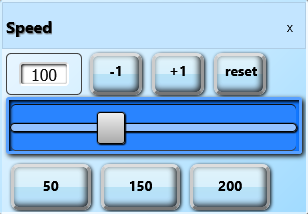
Allows you to adjust how fast the words are spoken.
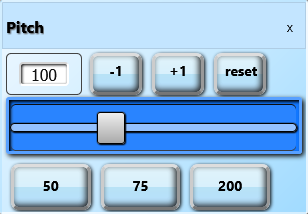
Allow you to adjust the pitch of the voice up and down.
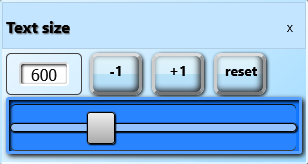
Sets the size of the text (font size in percents)
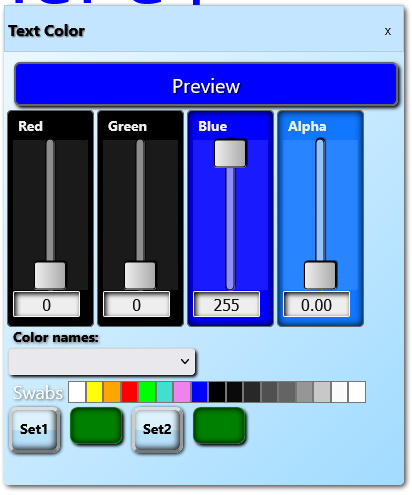
Opens the color-picker tool for setting the text colors.
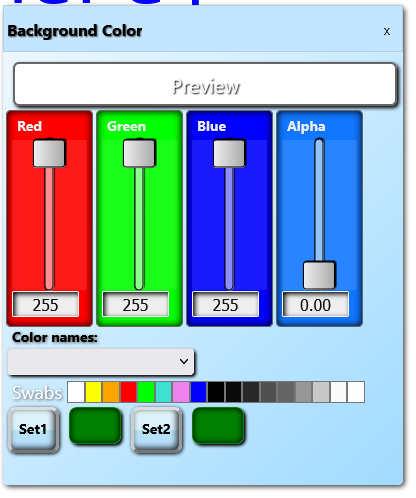
Opens the color-picker tool for setting the background color.
Speaks the text when clicked. Mouth moves along with the text as it is spoken. The eyes randomly blink.
The menu button provides access to more options and information.
When debugging is enabled, the following items also appear:
Debugging is enabled by launching the page with “?bl=1” (without the quotes) to the page address.