"The TypeThenTalk app"
Open the app at TypeThenTalk.com
The Stec Records TypeThenTalk.com app is a simple panel that allows you to type then hear what you typed spoken using a speech synthesizer making it a great tool for anyone learning to read and write.
You type something:
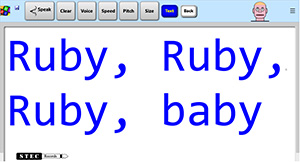
then click the Speak button:

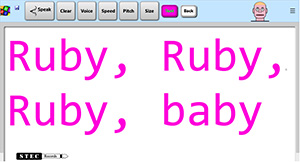
Change the text color:
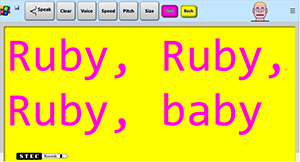
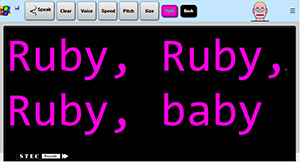
Change the background color:
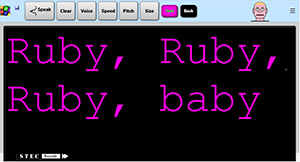
Change the size of the text:
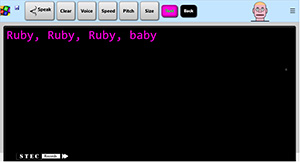
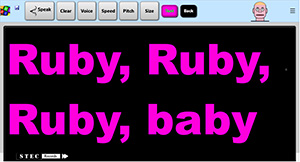
Change the font:
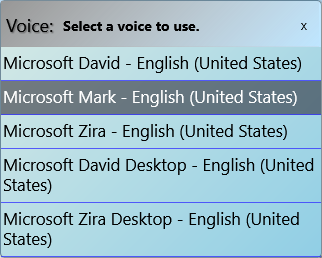
Pick which voice to use (FireFox shown):
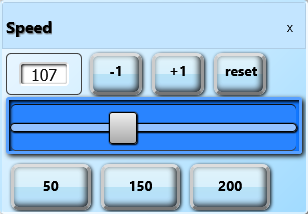
Set the speed:
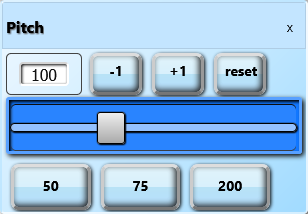
Set the pitch:
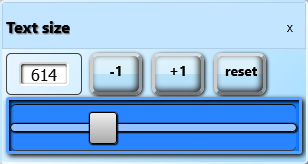
Set the size of the text:
Find out more in the TypeThenTalk help file.
